Patch Notes
How to Read Warzone Patch Notes
When Activision drops a patch, most players skim the headline and queue anyway. That is how you walk into Verdansk with the wrong ammo and a gun that just lost its armor pen. Here is a calmer way to read Call of Duty: Warzone patch notes so your next match still makes sense. This guide focuses on Call of Duty: Warzone balance changes, loot economy shifts, and what to verify after Ricochet or client updates — so your loadout matches the live game.
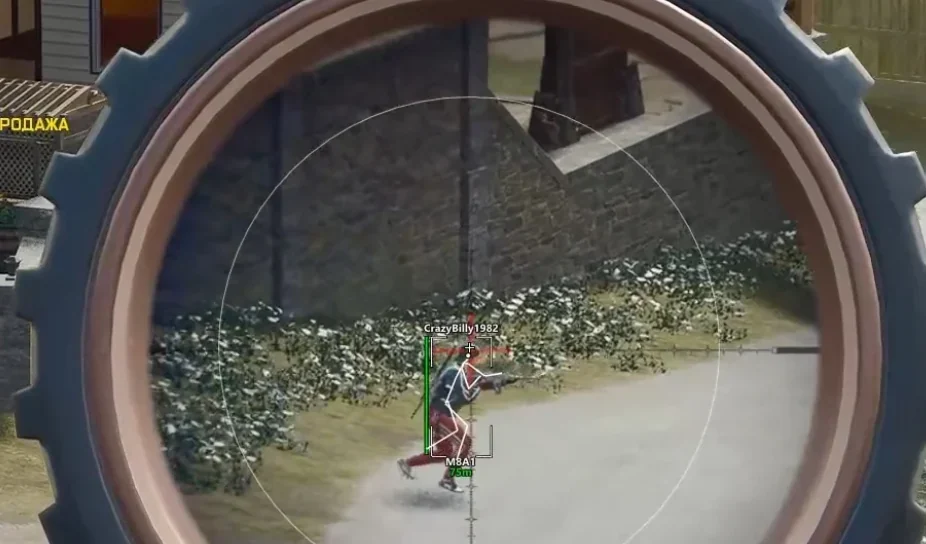
What actually matters in a Warzone patch?
Official notes live on Call of Duty: Warzone. Treat that page as the source of truth — Discord rumors and streamer hot takes come second. Ask three plain questions for every bullet: Does this change how I kill armored Operators? Does this change what loot is worth looting? Does this change which gulag or map I should run tonight?
Ammo tables, armor classes, boss spawn rates, and trader unlocks move the real economy. A small recoil tweak on an M4 looks boring in a video title, but it quietly reshapes mid-range fights on Urzikstan and Rebirth Island. Cosmetic lines and UI polish almost never decide whether you survive loadout.
If you also run third-party tools, separate game balance from anti-cheat maintenance. After a Ricochet Anti-Cheat or client update, check our Warzone Cheats status page before you blame your own aim.
Buffs, nerfs, and removed items — a simple framework
When an item is removed from match loot pools, delete it from your mental shopping list the same day. Heavy nerfs demote a weapon from “default kit” to “situational.” Light nerfs are fine if you already shoot cleaner than most lobbies. Buffs deserve a short test block — ten focused matches — before you rebuild your entire stash around them.
Armor and ammunition changes usually matter more than a single gun’s recoil number. If a popular round loses penetration against class-five plates, your Verdansk push into three-stacks suddenly needs a different mag. Pair this reading habit with our Warzone weapon tier list so you are not chasing streamer kits that ignore your budget.
How patches reshuffle loadouts and map plans
When mid-range rifles feel strong, prioritize optics and ammo that win 40–70 meter peeks. When healing items get tighter, play more conservatively near gulags and avoid ego third-parties. When a map POI shifts — new locked rooms, moved spawns, boss path changes — rewrite your first three minutes on that map before you farm it for quests.
Keep cosmetic shop chatter out of patch-day focus. Skin talk is fun; time-to-kill and gulag camping patterns are what get you killed. For aggressive Resurgence timing after a meta shift, see our Resurgence strategies.
On big mornings, confirm Call of Duty: Warzone Support looks healthy before you assume your client is broken. Then run a short checklist: note removed items, update your stash “buy list,” play five intentional matches, and only then lock a new main kit.
Patch-day checklist for Warzone players
Before you queue after a major update, skim the official notes, list every removed item, and note which weapons moved tier. Run three offline or low-stakes Resurgence matches to feel recoil and TTK changes before you risk a full loadout.
If Ricochet or the client also updated, treat anti-cheat maintenance separately from balance — platform outages on patch mornings are common. Cross-check service health, then read our Warzone Cheats status log if you use overlays.
Bookmark our weapon tier list and Resurgence guide so patch reading turns into a repeatable habit instead of a one-time panic.
If a change looks minor on paper but shifts TTK in your main lobby playlist, give it two evenings before you revert — some nerfs only show up once everyone swaps attachments.
Official Call of Duty: Warzone resources
We link to Activision sources for patch context, service status, and anti-cheat background — useful whether you use our tools or not.